Author: kscory (Page 3 of 3)

Weekly Reflection #4

Stop Motion In The Classroom🎥

💡Who, What, When, Where, Why, and How💡

I had the opportunity to visit a grade 3 classroom with my fellow peers and create stop motion videos!

How it Worked…✍️🧐

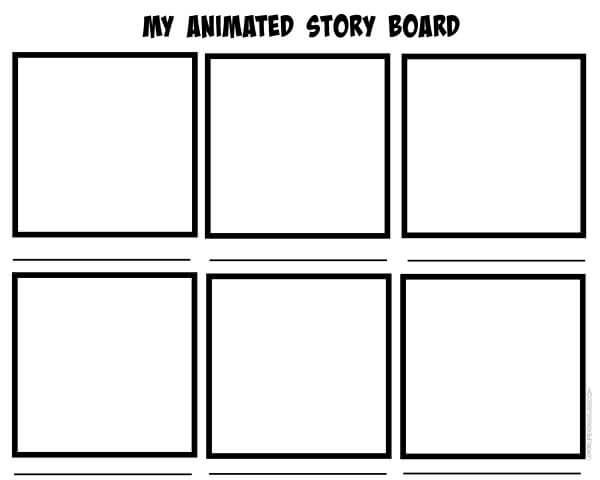
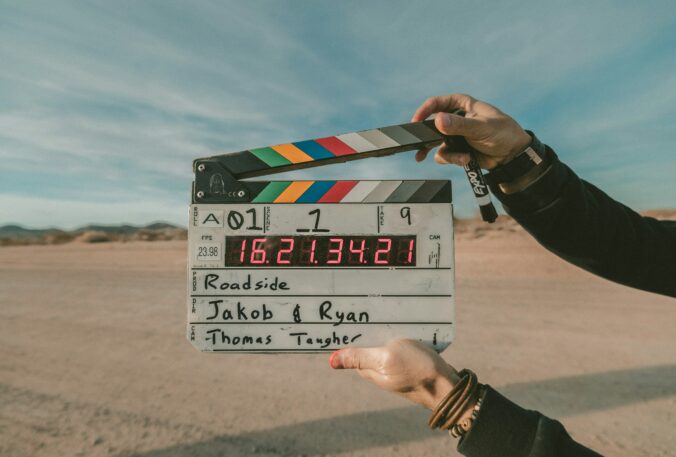
We walked into the classroom and could already feel the excitement! Stop motion is very loved in classrooms because kids love being creative and imaginative. Our groups were already assigned which made things easy and breezy. We found our groups and started filling a worksheet to plan our videos. Next, we gathered supplies like whiteboards and markers. We already had the stars of the show…Their desk pets. I’ll touch on those in a few. After, we started creating!

I loved working with the students to put their ideas into action! When the videos were all created we took the time to make small edits and add some music. Once, everyone was all done we all gathered and watched every groups stop motion.

Troubleshooting….⭐️

Even though use university students and the students we worked with had used stop motion before, we could not figure out the music for our video. Unfortunately, the iPad we used for this project would not let us create our own audios and the iPad had a limited amount of sounds. When we found a few we liked we struggled to work with the audios because the sounds kept overlapping. Another was at the end the video cuts out the top and the class did not get to see the whole video. However, it was a great learning experience and all for fun!

We had quite a bit of time to work on our videos however, I feel like with stop motion you’ll never feel like you had enough. As mentioned earlier we used iPads which were efficient to use and used the app Zing Studio. There many stop motion apps, I am not too sure if I would suggest Zing Studio, but it is a great tool for the classroom.
Into my Career With Me👩‍🎓🏫

If I used stop motion creation in my classroom I would have these few things before we start…

  • A complete understanding of online safety
  • Several videos instructing student ends how the technology works
  • Several examples to learn from
  • Time to familiarize and have fun with before we start a project
  • Decide groups and have that ready to go
  • A worksheet outlining the story they want to create (example below) fully done before we start
  • Ensure all the iPads have the app downloaded and updated
  • Supplies handy (I’ll explain further)

Stop Motion is a great tool to incorporate into the classrooms. I discussed with my peers I would use stop motion to incorporate imagination and creativity into projects! I also thought it would be a great tool to use for students lacking motivation!

Supplies✏️📷

Working with stop motion can very fun and very creative. However, without the right supplies students can feel unaccomplished because their video did not come out how they anticipated. Our group used whiteboards for the background but unfortunately the desk pets would erase when they moved. Therefore, having supplies such as paper, scissors, markers… help execute the ideas more effectively. On the contrary, as teachers we must ensure we’ve included enough time for the creation of this is we are using supplies.

Stop Motion Guide📝🎥

Time⏱️

Stop motion can be time consuming. For best results I would plan a few hours throughout the week to complete the outline, prop creation, video creation, editing and watching the videos.

Themes🎨

  • Using clay from art for stop motion
  • Create math equation videos
  • Create cycle videos for science ex. Water cycle
  • I would use in health class to create what healthy relationships look like
  • Quick work of affirmations videos-show one every morning!
  • The possibilities are endless!


Desk Pets🐶🐱

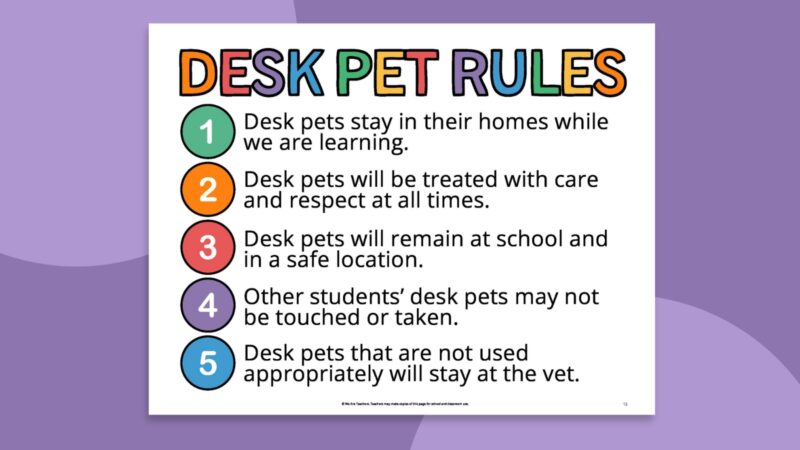
I am not 100% familiar with desk pets. From my understanding each student gets a desk pet at the beginning of the year. These pets are small micro stuffed animals that the students use at buddies. For example, reading buddies. We used the desk pets as our characters in our stop motion video. Here’s a TikTok from a teacher online explaining how her class uses desk pets!

Weekly Reflection #3

Stop Motion🎥⭐️

For this weeks reflection I am sharing my stop motion video I created with a few peers. We used the stop motion app called Zing studio that uses several photos and morphed them together to create a video. My post will discuss, trouble shooting, in the classroom and going forward!

Trouble Shooting…🧠💡

A few problems that occurred while creating this stop motion. Without a tripod it was difficult to keep the camera straight for clear clips. Issue two was that we felt our video was too short even though we spent a lot of time creating it. Problem three was that without multiple characters it was difficult to assign roles equally.

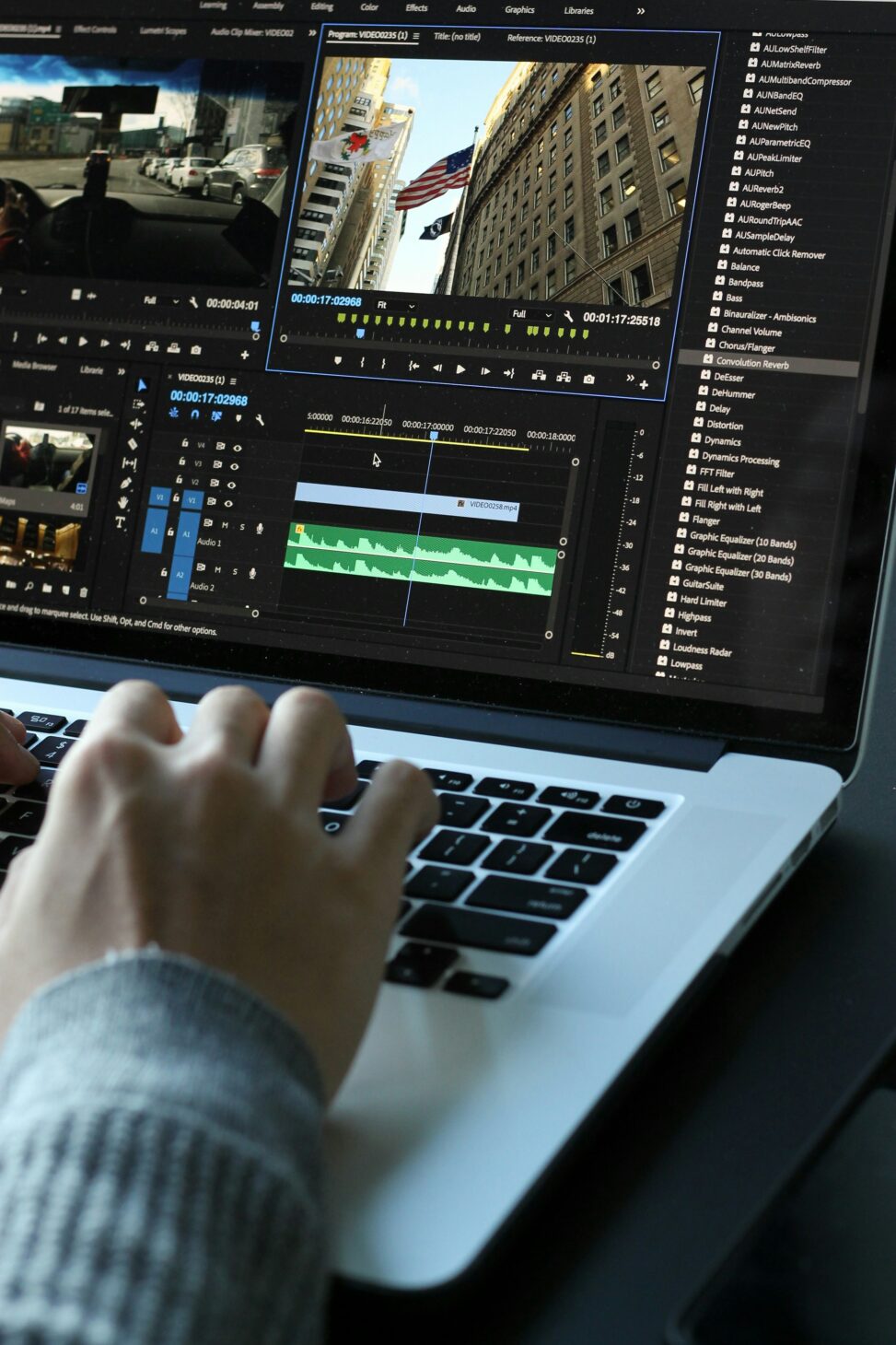
How To Stop Motion Guide💻🎥

In The Classroom🏫✏️

If I were to create stop motion videos in class I would assign groups no more than 3-4 and in a quiet space. I believe this is a project where students can become overwhelmed with the use of technology, sound, peer support and learning new things. I would also connect this to an art class and have the students use clay sculptures they designed or connect to a social studies class and create commercials or advertisements.

Our Vision😁📱

Our vision was to create a clip where a fox chased children around the forrest until they ran to their parents for safety. I think our video was a success. Next time I would include more trees and possibly a different background. I had so much fun creating this video with my peers and cannot wait to create more!

Weekly Reflection #2

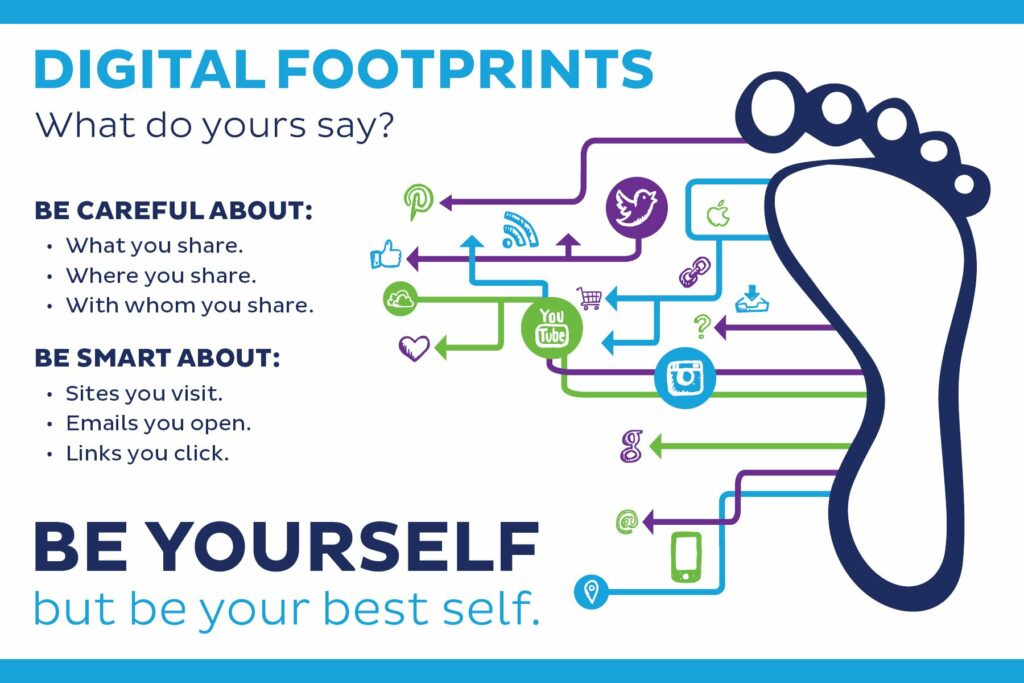
My Digital Footprint💻💡

For my week two reflection I chose to go on the adventure of discovering my digital footprint. Upon googling myself I found nothing interesting except one selfie of me from middle school. However, I have seen first hand how a digit footprint can hurt your career as a teacher.

While I was in school there was a first year teacher. I will not tell the full story but there was a photo she had posted that would have been innocent in any other career, but unfortunately a few students found the photo. The students printed it off at the school library and shared it around the halls. The school investigated and the students were held accountable. However, the situation will not be forgotten.

Sergey Zolkin | Unsplash

The White Hatter⚪️📱

I believe it’s important to not only be careful of our digital footprints but also sharing online safety with our students. There are plenty of resources to help teachers navigate those tricky conversations with students. Such as, how everything posted is there forever, how there can be legal implications to online bullying and harassment and much more.

The White Hatter is a company that does workshops and presentations about online safety, online bully and online harassment. It is a great team of people doing amazing work that teachers and schools can rely on to have accurate information.

I had the opportunity to attend a workshop in high school and it was a truly amazing experience. one takeaway was their ability to get across the importance of online safety.

The photo below has an attached like to the White Hatter site. The link below is to a preview video about digital literacy created by the White Hatter.

So what?🧐

This type of education is extremely important to students because outside of the classroom we cannot control what students access, how ever we can teach our students how to be safe online and give them resources to access. I learned through this research that unfortunately there are many scary things that can happen online and it stays online forever. I believe it is necessary to teach digital literacy and safety to everyone even teachers and will make it a personal goal to discuss online safety with my students, peers and fellow teachers.

Free Inquiry #1

Project Idea🧠

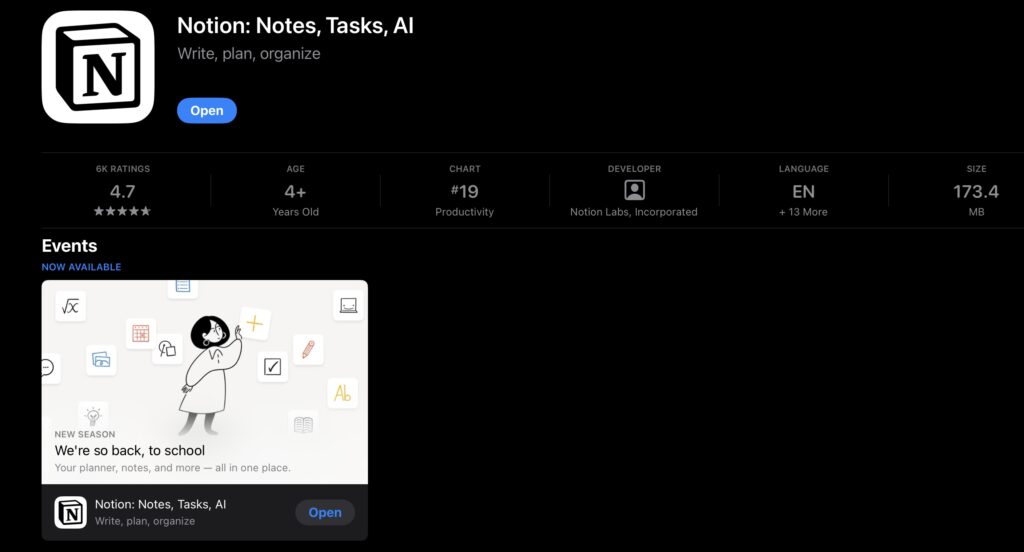
For my free inquiry project, I chose to focus on the app Notion. My goals are to master the app and discover how it can be integrated into a teachers life as a tool for in and outside the classroom.

What is Notion?📱💻

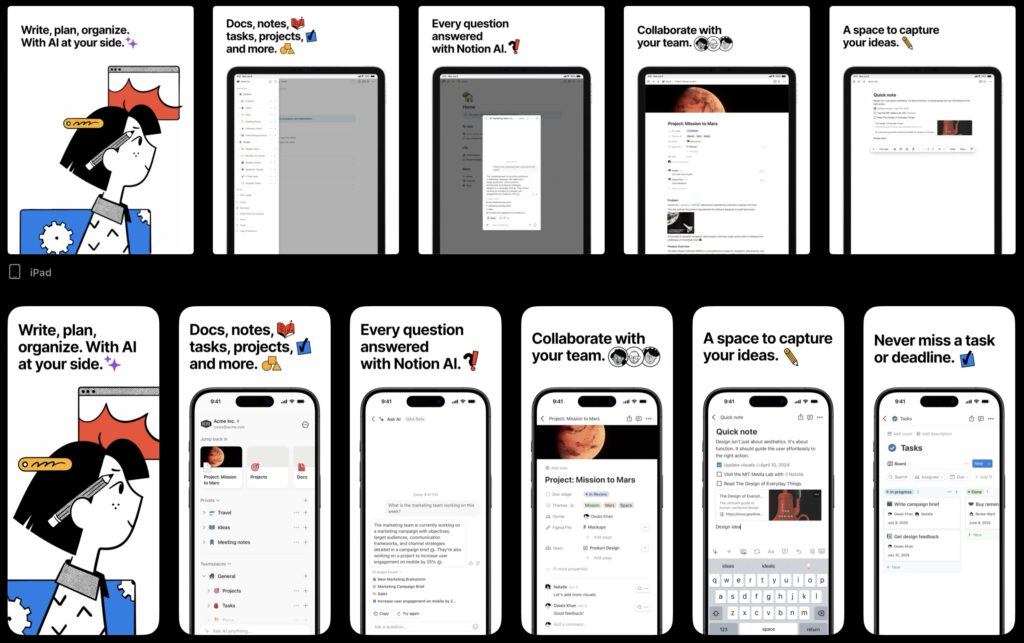
Notion is an app that is designed to help with organization and productivity. I believe it could be useful for teachers because our days can be very chaotic, but being organized and structured can help. The app is completely free for individual use and available on Apple and android.

There are similar apps, such as Trello that we have used in the classroom. Through my research I’ve discovered that notion is incomparable because of the features Notion has to offer.

Notion Is linked to the photo below

My Goals Throughout this Inquiry 🥅⚽️

My goals throughout this inquiry is to discover ways teachers can integrate Notion into their classroom. Yes, I know that notion is used to stay organized, but how can a teacher use this organization to help manage the classroom? How can the app assist with future planning? How can this ease a teachers anxiety that then ultimately helps students? Is Notion user-friendly enough where will not cause more stress on teachers to discover a new app? Can this type of technology be integrated into the classroom for students use? These are all questions I plan on answering throughout my research?

Link attached to photo

My Plan🗓️✏️

My plan is to develop a Notion page imitating how a teacher would use it. I will also be using research through pages such as TikTok for real life, examples and the web for step-by-step examples. My plan is to track all the hours, I spend on research and design this way at the end of the inquiry I’ll be able to tell if this is worth a teachers time learning to master or if other apps, such as Trello would be more useful. For example, if learning how to use Notion takes 10 hours a week to master in a few weeks I will be able to say it is not worth teachers time, but if it only takes a few hours to build a page that would be useful. Then I plan on integrating it into my career as a teacher.

Hopefully by the end of this project, I will be able to say that Notion is a simple, quick and easy tool to help teachers. The last few weeks of school, we have learned that it disorganized classroom does not support students with integrating technology into the daily lives of teachers that classroom become an organized and safe space for students to learn develop and grow.

Weekly Reflection #1

High Tech High🚌🏫

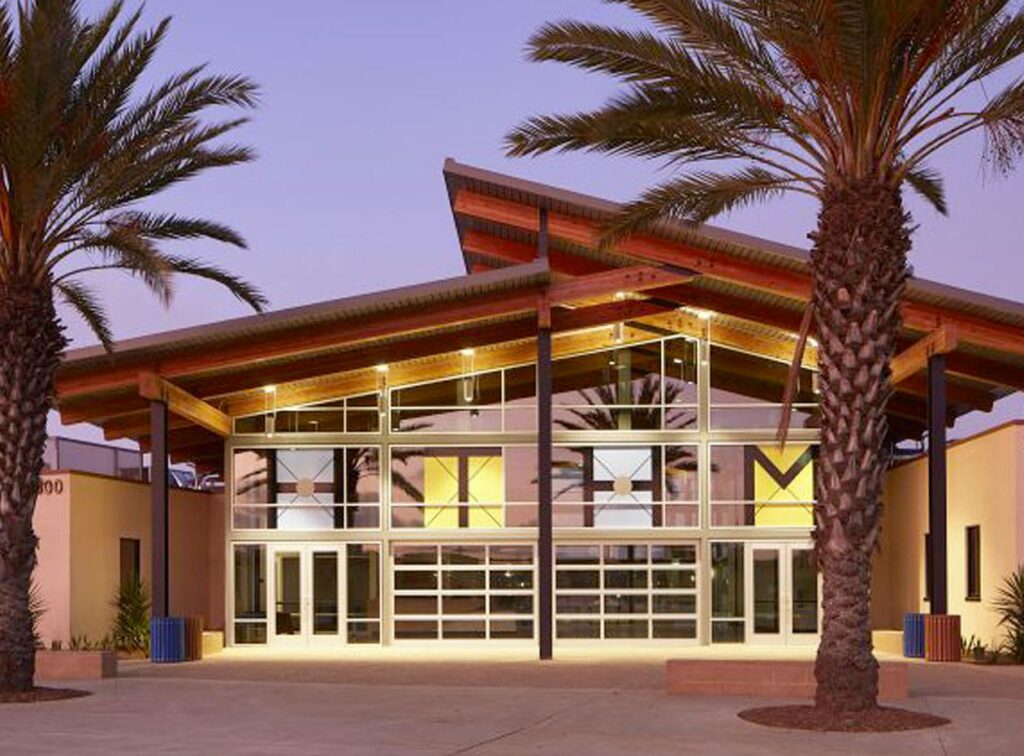
In San Diego, California, High Tech High school follows a type of education new to society and different from traditional schools. There are currently 16 HTH charter schools that follow a unique structure for education. At High Tech High teachers are on one year contracts, they have no specific curriculum they follow and students have a flexible non structured day. Rather than a structured curriculum, students have full autonomy and independence to create projects that some people would think to be impossible to do in a school setting.

Jason Goodman | Unsplash

What I learned…🧠💡

What’s interesting is how the students have complete autonomy over their success in school. The school focuses on collaboration, peer support and imagination to drive students to success and create their own paths with teacher support. We see in the documentary that there is not one way to learning or one way to approach teaching. The students take part in project based learning, where they tackle problems as they arise and collaborate on solutions. In the documentary there is a lot of discussion about student success and we see that their students are in fact very accomplished and are prepared for post secondary. Furthermore, another interesting suggestion is that schools do not need extra funding for this type of education. In the documentary we see a wide range of tools and supplies in the school, however HTH receives the same amount of funding as any other public school in California.

So what?📝📒

This type of schooling that HTH integrates into its schools challenges traditional ways of teaching. Dismantling the idea that traditional schools is the only path to success. Instead, HTH focuses on the individual learner and letting their inspirations guide them to success. HTH forces us future educators to ask questions about today’s education and what it could look like in the future.

Into My Career as a Teacher🧑‍🎓✍️

In my career as a teacher I will create a safe space where my students have freedom to explore their interests in the classroom. It’s not expensive or a burden to give students the space to be creative. Ultimately, it helps the students develop into ambitious learners with a great tool box of skills. To add, I encourage myself and fellow peers to bring in collaboration and imagination into their classrooms. By encouraging this approach students will be more motivated and have greater success inside the classrooms.

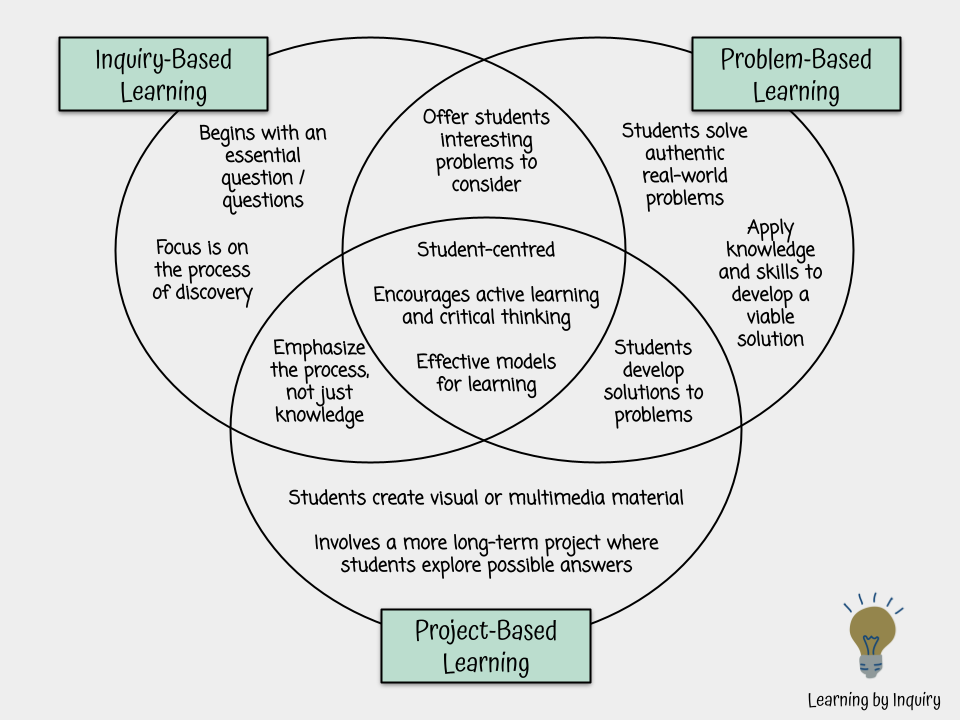
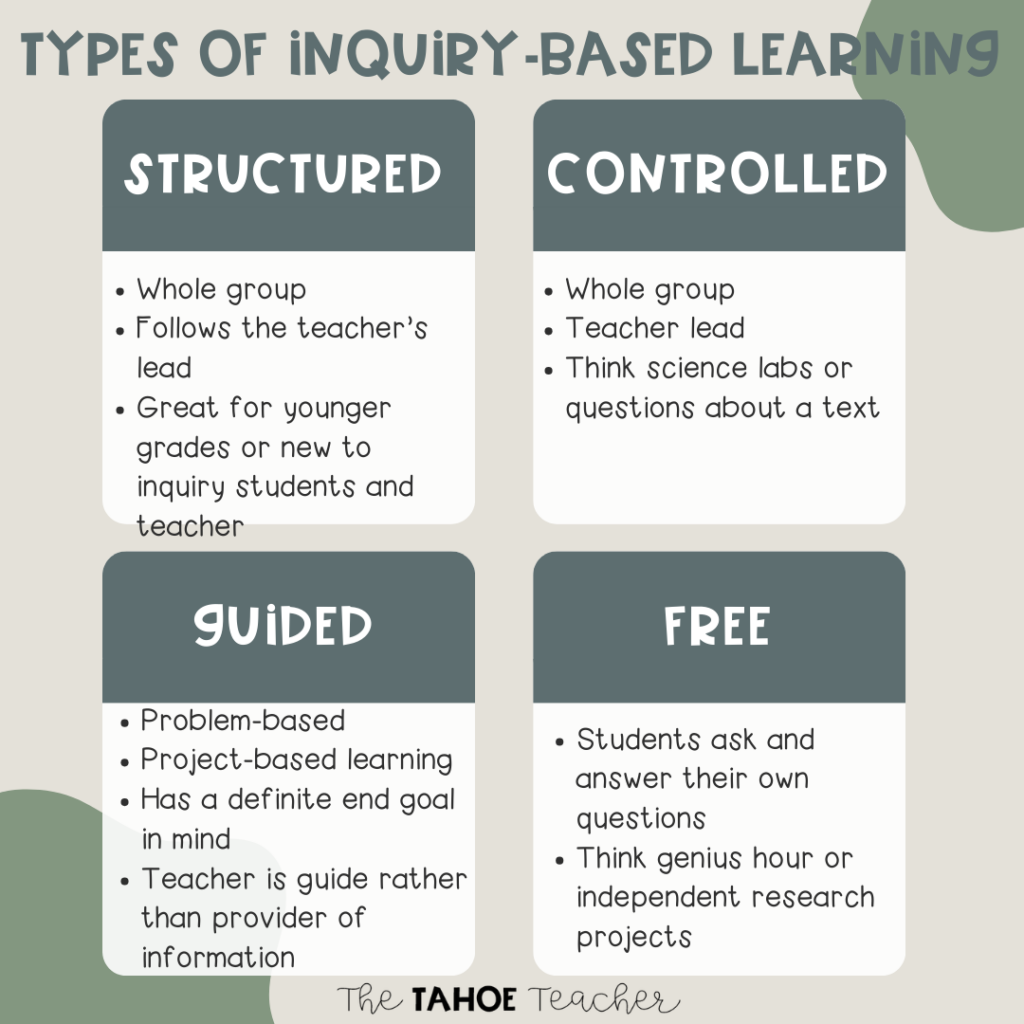
Inquiry Based Learning😁🖇️

Inquiry based learning is new to me. However, through reasearch I have read inquiry based learning can be a very useful strategy in the classroom. Just as HTH uses inquiry based learning, students create a project over the course of time that will demonstrate learning in multiple areas.

Check out my Free Inquiry project on my page!

Newer posts »

© 2026 Kenna’s Portfolio

Theme by Anders NorenUp ↑